Loupe product tour
Explore a pathology research workflow
Choose a topic and follow its materials, evidence, method and computed artifacts. This tour uses synthetic topics and real product screenshots and needs no registration. It does not call a model, upload files or save research content.
Synthetic walkthrough · no live AI calls
TROP2 across scanners — example
Plan a paired study of TROP2 quantification across scanners, with explicit pairing and a clear list of missing evidence.
01 · Project & materials
What to inspect
Prepare a paired-slide list and scanning conditions, then supply sample counts, stains and equipment details.
Expected deliverables
Study-plan draft · pairing and agreement rules · missing materials
These controls switch the walkthrough. Screenshots show the product interface, not a live model answer to the selected topic.
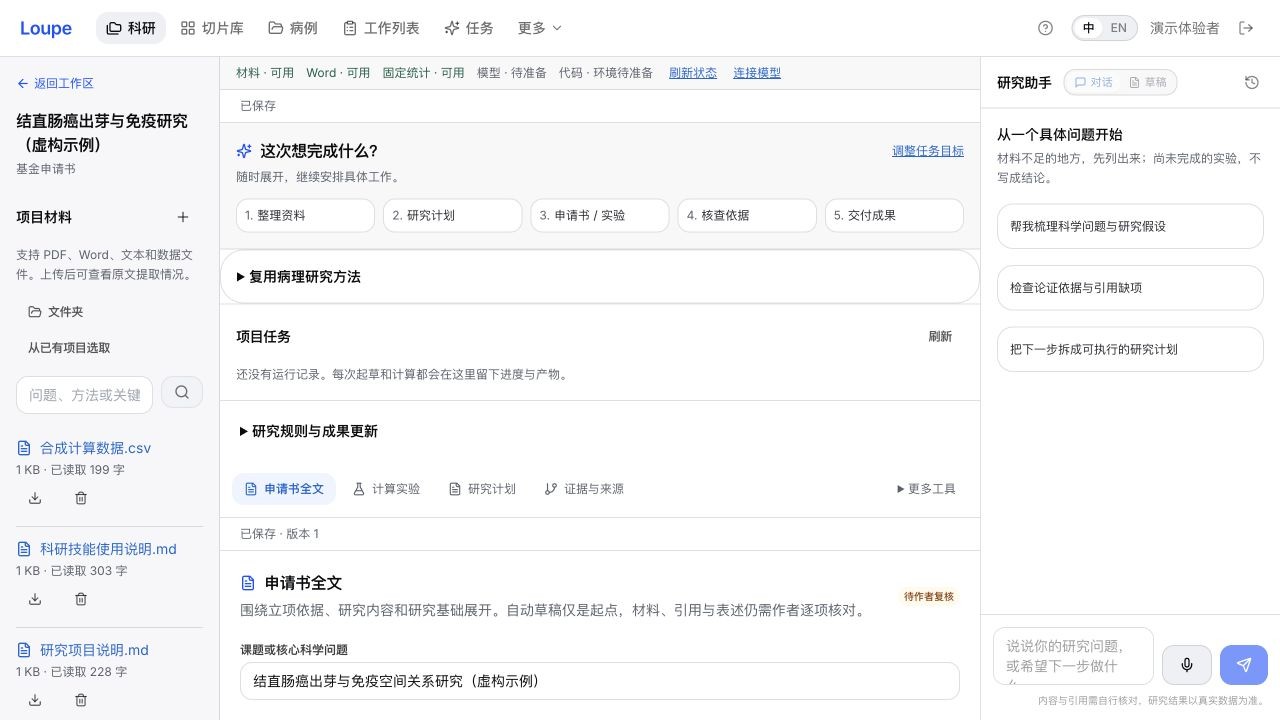
Local research workspace
Continue on your own computer
In the isolated local demo, work with materials, edit drafts and run fixed statistics yourself. Once familiar with the workflow, connect your own model and start a research project.